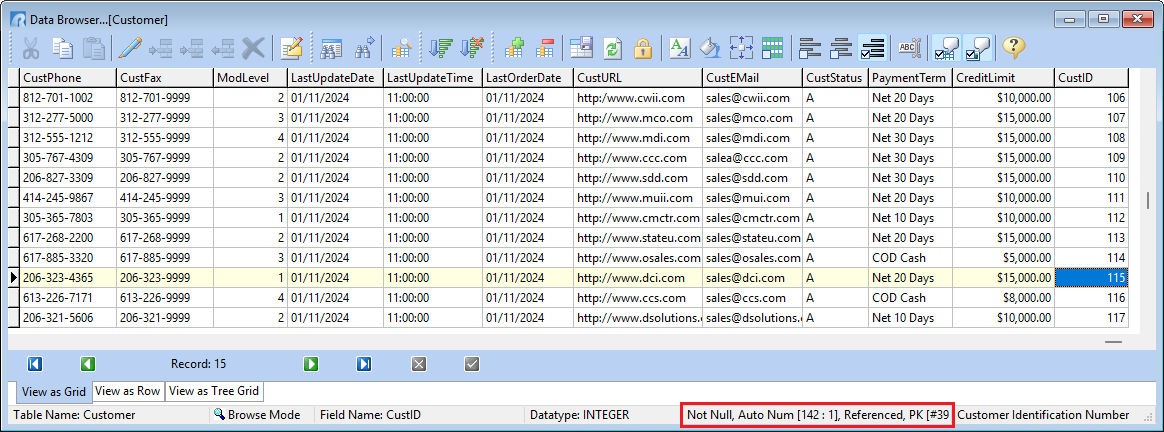
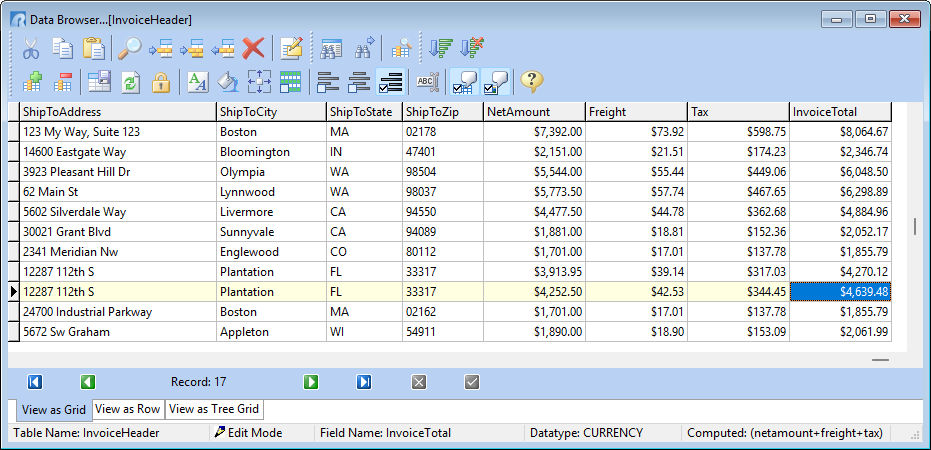
The Status Bar displays the table that is currently open in the Data Browser/Editor and the browse/edit mode in which the browser is set. The current field name, data type, definition (key, index, AUTONUM, Not NULL, computed value expression, etc.), and comment description also displayed for the column which has the focus.
The InvoiceTotal column has focused in the below image, where the computed expression is provided in the status bar.
The CustID column has focused in the below image, where the Not NULL, AUTONUM, and key definition details are provided in the status bar.