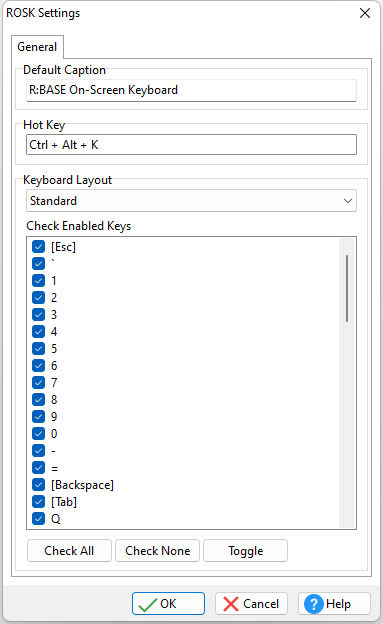
Provides settings for the R:BASE On-Screen Keyboard (ROSK)
•Default Caption - specifies the default window caption when the keyboard is launched
•Hot Key - specifies the hot key to display/hide the keyboard
•Keyboard Layout - specifies the layout, Standard or NumPad
•Check Enable Keys - specifies the keys to display